What Is People Counting? A Complete Guide to Camera-Based Visitor Counting
If you have ever wondered exactly what people counting is, the short answer is this: it measures how many people enter, exit and move through a space over time. That single number is the foundation of footfall analytics, staffing decisions and store performance reporting.
This guide walks through what people counting actually measures, the main technologies behind it, and where camera software running on your existing cameras fits compared with sensors, beams and Wi-Fi.
It is written for retail, operations and IT readers who want a clear, honest picture before choosing an approach. No jargon, no inflated claims, just what each method does well and where it falls short.
Key takeaways
- People counting measures how many people enter, exit and move through a space over time, and it does so anonymously.
- A raw door count answers "how many"; analytics like occupancy, dwell, zones and queues build on top of that count.
- The main technologies are overhead camera, time-of-flight (ToF) and 3D sensors, thermal sensors, infrared break-beam counters and Wi-Fi sensing, and each has real trade-offs.
- Camera-based software can run on your existing IP cameras, process video on-site, and use body-only detection with no facial recognition.
What people counting actually means
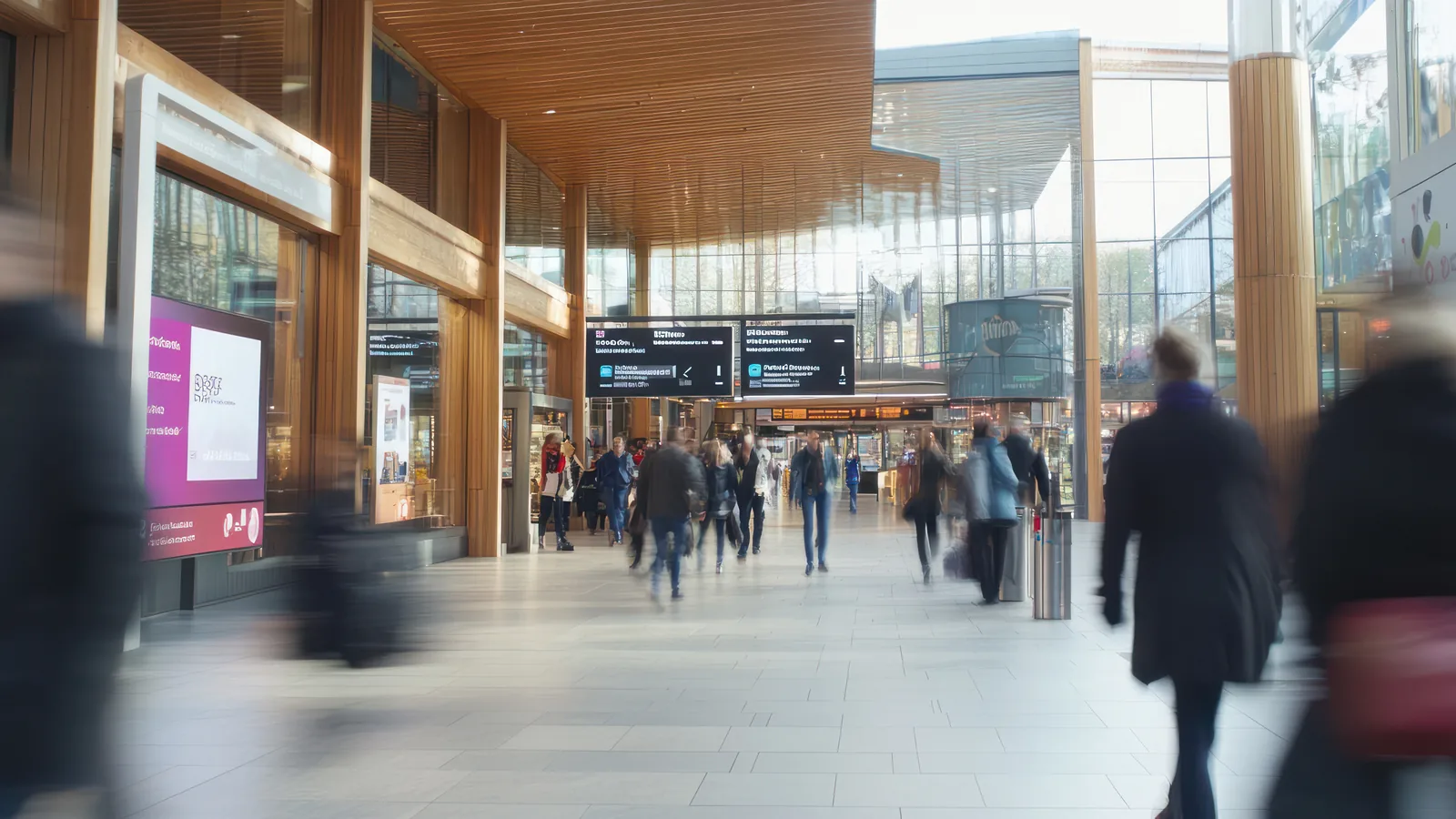
People counting is the practice of measuring how many people enter, exit and pass through a defined space over a period of time. The "defined space" might be a store entrance, a mall concourse, a single department or a queue area. The "period of time" might be every minute, every hour or every trading day.
It helps to separate two layers. The first layer is the raw count: the number of people who crossed a line at a doorway, in and out. That count is a plain tally. The second layer is the analytics built on top of it. Once you know entries and exits over time, you can derive how many people are currently inside, how long they stay, which zones they visit and how queues form. The count is the input. The analytics are what you do with it.
This is the difference between the people counting definition and footfall analytics, and it trips up a lot of buyers. A vendor selling a beam counter and a vendor selling camera analytics are both, technically, doing "people counting." But one gives you a single daily number and the other gives you the entries that feed dwell, zones and conversion. Knowing which layer you are buying saves a lot of disappointment later.
A count is a starting point, not the whole picture. It tells you how many, not who they are or what they did. That distinction matters when you set expectations internally. If a stakeholder asks "which customers came back this week," a counting system cannot answer that, because it does not identify individuals. What it can answer, and answer well, is how many people came, when traffic peaked, and how that compares with last week or last year.
That last point is by design. Body-only counting is anonymous. It detects the shape and movement of a person to register a count, then discards the rest. There is no name, no face, no profile attached to a count. A privacy-first approach to people counting keeps it that way on purpose.
What you can measure once you are counting people
A reliable count gives you a set of metrics that operations teams actually use day to day. Here is what becomes available once counting is in place.
Footfall and visitor counts. The core output is how many visitors entered, broken down by hour, day and entrance. If a store has three doors, you can see which entrance carries the most traffic and when. This is the raw material for every other metric.
Real-time occupancy and peak hours. By tracking entries minus exits, you get the number of people currently inside at any moment. Aggregate that over weeks and you can see your true peak hours, which is more reliable than a manager's gut feel. For example, a store that assumed Saturday lunchtime was its busiest period might find from the data that Thursday early evening is actually heavier, and shift staff accordingly. Read more on real-time occupancy if that is your priority.
Dwell, zones and heatmaps. With camera-based counting you can define areas of the floor and measure how long people stay and where they cluster. Heatmaps show which displays draw attention and which corners get ignored. Zone and route analytics show how people move through the space.
Queue and wait-time analytics. Queue analytics watch a checkout or service area and estimate how many people are waiting and for how long. That feeds staffing decisions in real time.
Conversion and capture rate. When you correlate footfall with point-of-sale data, you get conversion: the share of visitors who bought something. Capture rate measures how many passers-by at a frontage actually came inside, which is useful for window displays and storefront design. Footfall analytics, explained in more detail, covers how these connect.
Staff exclusion. Employees walk in and out all day. Staff exclusion filters them out so your visitor numbers reflect customers, not your own team moving around the floor.
The main people-counting technologies, compared
There is no single best technology. Each one suits a different space, budget and level of detail. Here is an honest summary of the main options.
| Technology | How it works | Good at | Limited by |
|---|---|---|---|
| Overhead camera + video analytics | Software analyses a camera feed and counts people crossing a line or in a zone | Rich detail; feeds zone, dwell and heatmap metrics | Needs decent placement, height and lighting |
| Time-of-flight (ToF) / 3D sensors | Depth sensing from a top-down position; no image stored | Busy entrances; height-based filtering | Hardware cost; coverage per unit |
| Thermal sensors | Detect body heat signatures | Low light; basic anonymity | Crowds and direct sunlight degrade accuracy |
| Infrared break-beam | A beam across a doorway breaks when someone passes | Lowest cost; simple to fit | One number only; no direction, no group separation |
| Wi-Fi / Bluetooth sensing | Estimates presence from device signals | Wide-area estimates without cameras | MAC randomization weakens accuracy; misses device-free visitors |
A one-line read on each: overhead cameras give you the most detail and the most metrics, but depend on good placement. ToF and 3D sensors handle crowded doorways well and store no image, at a higher hardware cost. Thermal is quietly anonymous but struggles with sun and dense crowds. Break-beam is cheap and gives you a single tally with no context. Wi-Fi estimates broad movement but has grown less reliable as phones randomize their identifiers.
It is worth being clear about a common failure mode for each. Break-beam counters cannot tell two people walking side by side apart, so they undercount groups, and they cannot tell direction unless you fit a second beam. Wi-Fi sensing misses anyone whose phone is off or whose device-side privacy settings hide it, and counts staff phones unless you filter them. Thermal sensors can merge two close bodies into one heat blob in a crowd. Cameras avoid most of these because they see the scene, but they need a sensible mounting point and reasonable light to do it well.
For a fuller breakdown with example scenarios, see people counter types compared.
How camera-based counting works on existing cameras
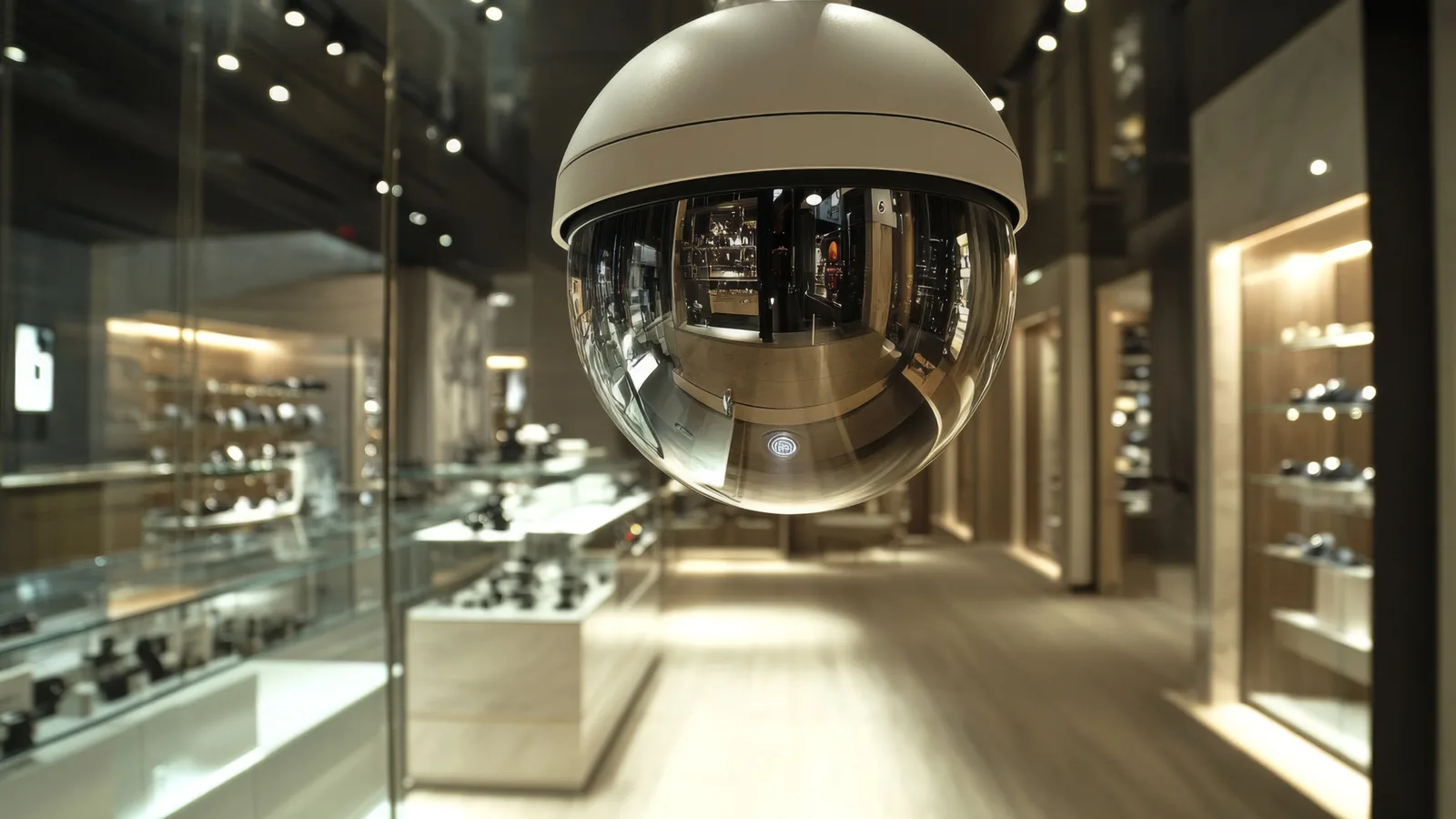
Camera-based software does not require special hardware at the ceiling. It reads the video stream from a camera you already own.
The software connects to a standard RTSP or ONVIF stream from your existing IP camera. From there, it draws a count line or a zone on the image. When a person crosses the line, the count updates. Detection is body-only. The software recognises the shape and motion of a person, not a face. No facial recognition is used and no biometric data is stored.
Processing runs on-site. That can be a back-office PC, a mini-PC, a Mac Mini or a supported camera. There is no requirement to ship video off your premises. The raw footage stays in the building, and only the resulting counts leave it.
This matters for both privacy and bandwidth. You are not uploading video to anyone, which keeps sensitive footage local and avoids the cost of streaming it out. For the deeper how-to, see our technology overview and the counting feature page, or read the spoke article on how a camera people counter works.
On-premises vs cloud, and why it matters for video
Where the video is processed and stored shapes your whole privacy and bandwidth picture. This is one of the most consequential choices in a counting deployment, and it is worth understanding before you commit.
With on-site processing, raw footage never leaves the building. The software does its analysis locally and sends only aggregate counts onward, usually to a dashboard. So the data that travels off-premises is a small set of numbers, not hours of video. That keeps bandwidth needs low and keeps the footage under your physical control.
The practical implications are real. For teams that need a GDPR-friendly posture, keeping video on-premises and working only with anonymous counts removes a large category of risk. For integrators managing many sites, local processing means each site is self-contained rather than dependent on a constant connection to a central video store.
A note on honesty here: this is privacy by design, not a certification. Keeping video local and counting anonymously is a sound architecture, and you should still run your own assessment for your jurisdiction and use case. The design reduces exposure; it does not replace your compliance work.
Privacy and people counting
The privacy question usually comes down to one distinction: body-only detection versus facial recognition.
Facial recognition tries to identify a specific person from their face. Body-only detection does not. It registers that a person-shaped object crossed a line, increments a count, and keeps no identifying detail. In practice this means the system can tell you forty people entered in an hour, but it cannot tell you who any of them were, and it has no way to recognise them if they return.
In CountPort's approach there is no biometric storage and no individual identity attached to any count. The output is a number, not a record of a person.
For most retail and venue decisions, anonymous counting is enough. Staffing, store layout, peak-hour planning and conversion analysis all run on aggregate counts. You rarely need to know who someone is to make a good operational decision; you need to know how many, when and where. A store manager deciding how many people to roster on a Friday evening does not need names. They need an accurate count of how many customers usually arrive in that window, and anonymous counting delivers exactly that.
This is also easier to communicate to customers and to staff. A sign that says the cameras count anonymously and do not identify anyone is a simple, true statement. There is no record to subject-access, no face database to secure and no individual profile to leak, because none of that exists in the first place.
One clarification worth stating plainly: counting at a single camera is not cross-camera re-identification. Re-identification, recognising the same individual across different cameras, is a separate concept in the wider industry. CountPort counts at each camera and can exclude staff, but it does not re-identify people or match the same visitor across multiple cameras. If you read a vendor claim that "each visitor is counted once across all cameras," understand that this is a different and harder problem than single-camera counting.
How to choose a people-counting approach for your space
The right approach starts with the metric you actually need, then works back to the technology.
Match the metric to the technology. If all you need is a door tally, a simple counter will do. If you want zone activity, dwell time or queue analytics, you need a method that captures spatial detail, which points toward overhead cameras or 3D sensors. Do not pay for capability you will not use, and do not buy a single-number counter if you will need richer analytics in six months.
Think about your layout. A single narrow entrance is straightforward for almost any technology. Multiple entrances and large open floors change the calculation: you need coverage at every count point, and open floors benefit from zone-aware methods rather than a beam at one door.
Check what cameras you already have. If you already run IP cameras at your entrances, software-based counting can often use them directly over RTSP or ONVIF, which avoids new ceiling hardware. This is frequently the most cost-effective path. The same logic shapes your budget, since flat per-camera pricing scales with the cameras you actually count on.
Decide when a count is enough. Sometimes a daily entry total answers the question completely. Other times you need full footfall analytics to understand behaviour. Be honest about which you need today, and which you will likely need as your reporting matures.
Different sectors weigh these factors differently. A fashion and apparel store cares about dwell at displays and conversion, while a grocery or supermarket leans on occupancy and queue management at peak times.
Where to go next
This guide is the overview. From here, the focused articles go deeper on each part.
- How does a camera people counter work? traces the path from video feed to visitor numbers.
- People counter types compared puts cameras, thermal, beam and Wi-Fi side by side with example scenarios.
- How accurate are people counters? explains how to read accuracy claims honestly and what placement, height and lighting actually do to the numbers.
- Footfall analytics explained covers the retail metrics that drive real decisions.
- Privacy-first people counting goes further on anonymous, on-premise counting.
For sector-specific guidance, the industry playbooks cover how counting applies to your type of space, from department stores to gyms to museums.
Frequently asked questions
What is people counting?
People counting is measuring how many people enter, exit or pass through a space over a period of time. It is usually done automatically with cameras or sensors and reports anonymous counts, not who someone is.
Is people counting the same as footfall analytics?
Not quite. People counting gives you the headcount, while footfall analytics adds context like dwell time, zone activity, queues and conversion. A count is the input that analytics build on.
Does camera-based people counting use facial recognition?
It does not have to. CountPort uses body-only detection to count people anonymously and never uses facial recognition or stores biometric data.
Where is the video processed in a camera people-counting system?
With CountPort, the software runs on-site on a back-office PC, mini-PC, Mac Mini or a supported camera. The video stays in the building and only the counts are sent on.
Which people-counting technology is most accurate?
It depends on the space. Overhead cameras and 3D/ToF sensors generally handle busy entrances better than break-beam or Wi-Fi counting, but accuracy depends on placement, height, lighting and crowding rather than the technology alone.
See it on your own footage
The clearest way to understand camera-based counting is to see it run on video from your own cameras. Request a demo and we will show you live counts, occupancy and zone metrics on a feed that looks like your space.