People Counting and Footfall Analytics for Department Stores
CountPort turns the overhead cameras a department store already operates into footfall and behaviour analytics, measuring each entrance, every floor and individual concessions without new hardware.
Works with the cameras you already have · Anonymous · Video stays on-site
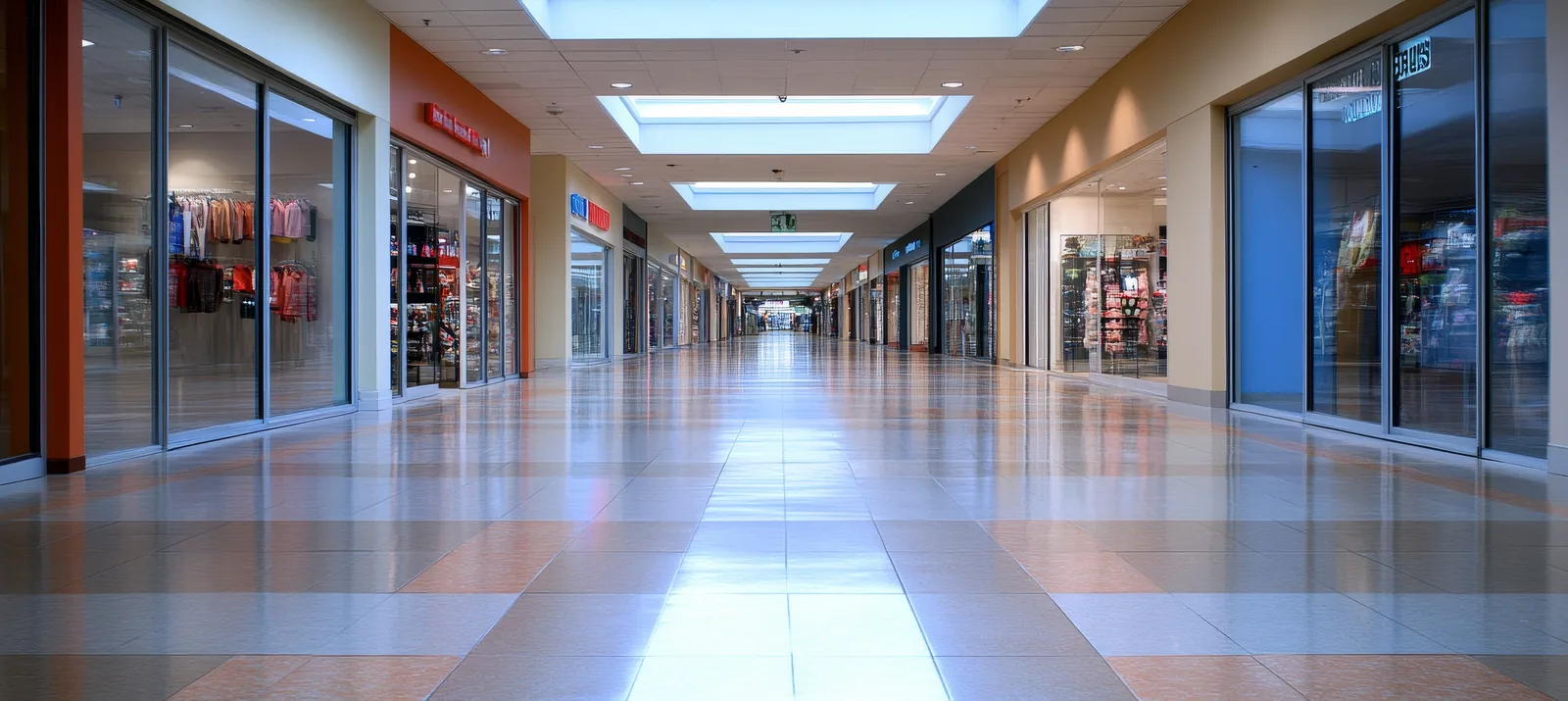
Measuring footfall across a multi-floor store
A department store is several stores under one roof. People enter through more than one door, move between floors by lift and escalator, and pass through dozens of concessions and departments before they leave. People counting for department stores has to account for that structure, which is why a single door tally rarely explains how the building actually performs.
CountPort is visitor-analytics software that runs on the standard overhead cameras already installed across a store. It produces department store footfall analytics from those existing feeds: counts at each entrance, traffic on each floor, and behaviour inside individual departments. All video is processed on-site and never leaves the building, and only the resulting numbers reach the dashboard.
The system is anonymous by design. CountPort does not use facial recognition and does not identify anyone. It reports how many people arrive, where they go and how long they stay, so that floor managers, buyers and concession partners can compare areas on the same, consistent footing.
What department stores operators want to know.
Which entrance is really working
A store with a street door, a mall door and a car-park door cannot judge performance from one figure. Without entrance comparison, footfall shifts caused by weather, parking or mall events stay invisible and get blamed on the floors instead.
Upper floors that visitors never reach
Traffic falls with each floor, but by how much is usually a guess. When vertical traffic past escalators and lifts is not measured, upper-floor departments and their staffing are planned on intuition rather than on how many people actually arrive.
Comparing concessions fairly
Concessions and in-store brands are judged on sales, yet a quiet corner and a busy thoroughfare are not comparable. Without footfall for each space, it is hard to separate a weak range from a weak location when reviewing a concession partner.
Staffing spread across departments
Cover is often set by habit and floor size rather than by demand. When traffic by floor, department and hour is not recorded, some counters stand idle while others queue, and labour cost is rarely matched to where visitors actually are.
CountPort analytics, applied to department stores.
Each measure runs on the overhead cameras you already have. Video is processed on-site and stays anonymous.
Compare every entrance on equal terms
CountPort counts arrivals and departures at each door from existing overhead cameras, so a store can see which entrances carry the most traffic and how that mix changes by day, hour and season. Counts appear on a live dashboard and through scheduled exports.
Counting ›Understand vertical traffic floor by floor
By counting people at escalators, lifts and floor thresholds, CountPort shows how much traffic carries from the ground floor upward. Buyers and floor managers can see drop-off between levels and plan ranges, promotions and adjacencies around where visitors actually go.
Zones & routes ›Measure concession and department performance
Defined zones let CountPort report footfall, dwell and movement for each concession, brand corner or department. Sales can then be read against the traffic each space receives, giving concession reviews and lease discussions a consistent footfall basis.
Zones & routes ›See where shoppers slow down and gather
Heatmaps show where people pause, browse and cluster on each floor. A store can tell whether a feature aisle, a promotional table or a landmark display is drawing attention, and rework cold spots that traffic passes without stopping.
Heatmaps ›Match staffing to demand by department
Counts by floor, department and hour give a clear picture of when and where visitors arrive. That record supports rosters that put cover on the busy floors at the busy times, rather than spreading staff evenly regardless of traffic.
Counting ›Keep employees out of the numbers
Sales associates, cleaners and stockroom staff move through the floor constantly. Staff exclusion keeps that internal movement out of the visitor count, so entrance, floor and concession figures reflect shoppers rather than the people working the store.
Staff exclusion ›How CountPort works in a department store
Each camera that overlooks an entrance, escalator, lift lobby or department becomes a counting point. CountPort detects people in those overhead feeds and records when they cross a line or move through a defined zone. Couples and families are counted as the correct number of people, and adults are distinguished from children, which helps a store read its visitor mix across floors and seasons.
The numbers build into entrance comparisons, floor-by-floor traffic, concession footfall, dwell time and movement paths. A store does not need a uniform camera layout to begin. Counting can start at the main doors and key floors, then extend to individual concessions and departments as more cameras are brought into the same dashboard.
Because counting points are defined per camera, the picture stays consistent as the store changes. When a department is relocated or a concession is replaced, the zone is redrawn and the new space is measured on the same basis as the rest of the building, without resetting the wider record.
Privacy on the cameras you already own
CountPort processes video on a small computer inside the store. The footage stays on the premises and is never sent to an external server; only counts and aggregated metrics reach the dashboard. This keeps department store footfall analytics separate from any security or loss-prevention recording the store already runs.
The analysis is anonymous. CountPort does not use facial recognition and does not identify individuals, and it does not attempt to recognise the same shopper at different doors or on different floors. Each counting point reports its own figures. Adult and child classification and group counting describe the make-up of traffic, not the identity of any person.
Because the system uses existing overhead cameras and adds no new hardware, a store can extend measurement across floors and concessions without a separate installation programme, while keeping a clear, defensible position on how visitor data is handled.
Getting started across floors and concessions
A practical rollout starts where the questions are sharpest, usually the comparison between entrances and the drop-off between the ground floor and the floors above. Counting at those points alone often reframes how a store reads its traffic, before any concession-level detail is added.
From there, zones can be drawn around concessions, brand corners and departments so that footfall, dwell and movement are reported for each. Occupancy can be tracked for the building or for busy floors, with capacity limits and alerts where they are useful, and queue analytics can be added at tills and service points to measure wait time and abandonment.
Pricing is published and flat per camera, at 29 US dollars per camera each month for Lite and 39 US dollars per camera each month for Pro, so the cost of extending measurement to another floor or concession is predictable. To see the system on a store's own cameras, request a demo, or view pricing to plan a rollout.
The numbers worth watching.
Entrance share of footfall
What proportion of visitors arrives through each door, so traffic shifts are read by entrance rather than as one total.
Floor-to-floor carry rate
How much ground-floor traffic continues to each upper floor, showing where vertical drop-off is steepest.
Concession footfall
Visitors entering each concession or department, giving sales a consistent traffic figure to be measured against.
Dwell time by zone
How long shoppers linger in a department or display area, indicating which spaces hold attention and which are passed by.
Peak occupancy
The most people inside the store or a floor at once, useful for capacity planning, safety limits and staffing peaks.
Queue wait and abandonment
How long shoppers wait at tills and service points and how often they leave, flagging where service cover falls short.
CountPort measures people anonymously. It counts and groups visitors, never identities, and does not use facial recognition. All video is processed on-site, inside your premises, and is never uploaded; only the measurements you choose to keep are shared. This approach reduces privacy risk and simplifies data-protection review. Read privacy details ›
Explore other industries
All industries ›
Fashion & Apparel
CountPort measures footfall, conversion and floor behaviour in clothing stores and boutiques using the overhead cameras already installed, with all video processed on-site and no facial recognition.
View ›
Grocery & Supermarkets
CountPort turns the overhead cameras a grocery store already runs into footfall, queue and aisle analytics. Video is processed on-site, and only anonymous numbers reach the dashboard.
View ›
Electronics & Big-Box
CountPort turns the overhead cameras already installed in an electronics or big-box store into anonymous footfall and behaviour analytics, measuring how departments fill, where demo stations draw attention and how many big-ticket visits reach a counter.
View ›Questions about CountPort for department stores.
Does CountPort work with our existing department store cameras?
Yes. CountPort runs on the standard overhead cameras a store already operates at entrances, escalators, lifts and across departments. No new hardware is required. Counting can begin at the main doors and key floors, then extend to concessions and individual departments using the same cameras.
Can CountPort compare different entrances and floors?
Yes. Each camera becomes a counting point, so the store can compare entrances against each other and measure traffic on every floor. This shows which doors carry the most arrivals and how much ground-floor traffic continues to the upper floors, by day, hour and season.
Can we measure individual concessions and departments?
Yes. CountPort lets you define zones around concessions, brand corners and departments and reports footfall, dwell time and movement for each. Sales can then be read against the traffic a space actually receives, which supports concession reviews and fair comparison between locations in the store.
Does CountPort use facial recognition or identify shoppers?
No. CountPort is anonymous by design. It does not use facial recognition and does not identify individuals. Video is processed on a computer inside the store and never leaves the building. Only counts and aggregated metrics, such as footfall, occupancy and dwell time, reach the dashboard.
Are staff kept out of the visitor counts?
Yes. Staff exclusion keeps sales associates, cleaners and stockroom staff out of the visitor numbers, so entrance, floor and concession figures reflect shoppers rather than the people working the store. This matters in department stores where employees move across the floor throughout the day.
How is CountPort priced for a multi-floor store?
Pricing is published and flat per camera. Lite is 29 US dollars per camera each month and Pro is 39 US dollars per camera each month. Because cost scales by camera, extending measurement to another floor or concession is predictable. Request a demo to see it on your cameras, or view pricing to plan a rollout.
See your store measured floor by floor
Request a demo to see CountPort running on your department store's existing cameras, or view pricing to plan a rollout across entrances, floors and concessions.