How to Manage Occupancy During Seasonal Peaks and Sale Events
Occupancy management during peak season is the difference between a busy store that still feels good to shop in and one that turns into a crush at the door. Sale days, holiday weekends, and one-off events bring crowds your normal plan was never built for. The limits, the staffing, the door routine were all tuned for a steady week, and a peak does not behave like a steady week.
This is a practical playbook for those days. You will set the right occupancy limit and warning band before the event, watch the live count, meter entry early instead of after the store is full, and move staff to the checkout on measured queue wait rather than a glance at the line.
When you can see real-time occupancy and queue numbers, you manage the day on purpose. When you cannot, you react to whatever the crowd does to you.
Key takeaways
- Sale days blow past a normal-day plan, so tighten the occupancy limit and warning band before the event, not during it.
- Use the warning band to start metering entry before the hard limit is reached, with a named person who owns the door alert.
- Open more checkout lanes on measured queue wait time, not on a guess, and decide in advance who moves to the front when the trigger fires.
- Schedule breaks as fixed slots so cover never disappears at the worst moment of the peak.
- Review the recorded occupancy and queue history after the event so the day becomes the baseline for the next one.
Why peaks break a normal occupancy plan
Your everyday occupancy threshold and staffing rota assume a fairly steady arrival curve. People trickle in, browse, and check out at a pace your team can absorb. A sale day does not respect that curve. Traffic can spike in the first hour of a promotion and stay high, so a limit that felt comfortable on a Tuesday is overwhelmed by mid-morning.
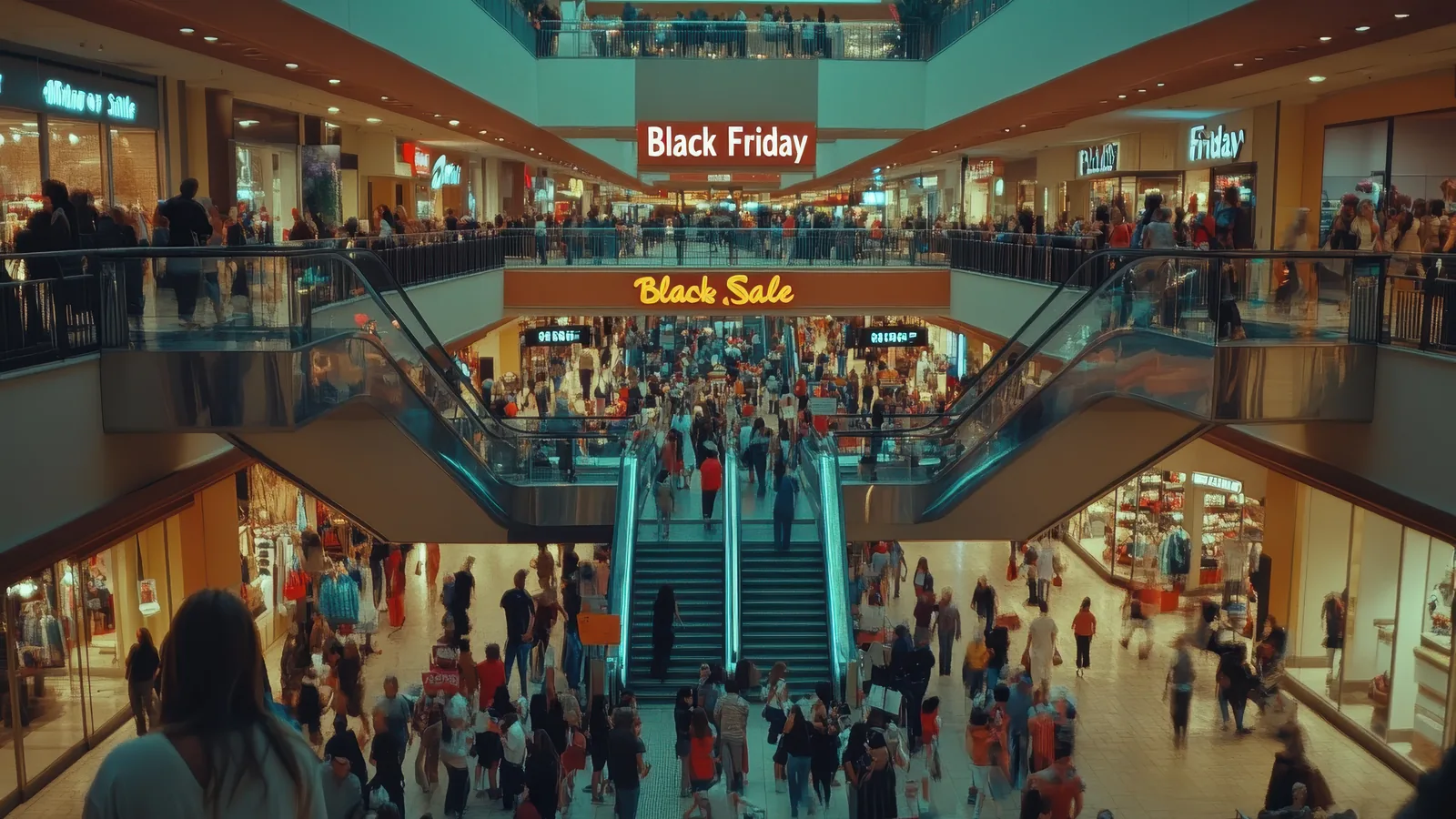
The risks stack up fast. A store that is too full is uncomfortable to shop in, and discomfort sends people back out without buying. Pressure builds at the entrance when arrivals outpace exits. And when the checkout cannot keep up, lines grow and shoppers abandon full baskets. Black Friday crowd management problems are rarely about the headline traffic number. They are about the door and the till not keeping pace.
Measured occupancy and queue data change your position. Instead of learning the store is overcrowded because a manager walked the floor and felt it, you see a real-time count climbing toward your limit and act while there is still room to act. The frame for this playbook is simple: prepare the limits before the day, watch the numbers live, and act early. Our practical guide to real-time occupancy and queue management covers the underlying mechanics if you want the full picture first.
Prepare before the day
Start with last year. Pull the recorded footfall and occupancy history for the same event, promotion, or nearest comparable day. You are looking for the shape of the day, not a single number: when traffic ramped, how high the in-store count got, how long it stayed there, and when it tapered. That shape tells you what to plan for far better than a gut estimate.
Then set or tighten the occupancy limit and the warning band for the crush you expect. The limit is the maximum number of people you want in the store at once. The warning band is the level below it where you want to be alerted so you can start managing entry before the store fills. On a normal day the warning band might sit close to the limit. For a peak, widen the gap, because arrivals come faster and you need more runway to respond. The occupancy feature is where you configure these, and our walkthrough on setting a safe occupancy limit and getting alerted before you hit it explains how to pick sensible numbers.
Plan the door routine for the moment the limit is reached. Decide now what one-in-one-out looks like in your space, where people will wait, and how you will keep the entrance from backing up onto the pavement. Then brief the team. Everyone should know who owns the occupancy alert, who owns the door, and what each alert means in plain terms. An alert nobody owns is an alert nobody acts on.
Watch live occupancy and manage the door
On the day, the warning band does the early work. When the live count crosses the warning level, that is your signal to begin metering entry, slowing arrivals before the store is full rather than slamming the door once it already is. Easing the flow early keeps you in control. Waiting until you hit the hard limit means you are already behind the crowd.
At the limit itself, switch to one-in-one-out with a clear owner at the door. One person watching the count and managing entry beats three people half-watching and assuming someone else has it. That owner does one job: keep the in-store number at or just below the limit by matching entries to exits.
Where your space allows, spread the load. If you have more than one entrance, use them to avoid a single pinch point, and use signage to guide people toward quieter doors. Small nudges to flow take real pressure off the main entrance during a peak.
None of this changes the privacy posture. The count stays anonymous and the video stays on-site, even on your busiest day of the year. CountPort uses body-only detection with no facial recognition, and the processing runs on your own hardware, so a high-traffic event does not send more sensitive data anywhere. You can read how that works on the technology page.
Pull staff to the front end on measured demand
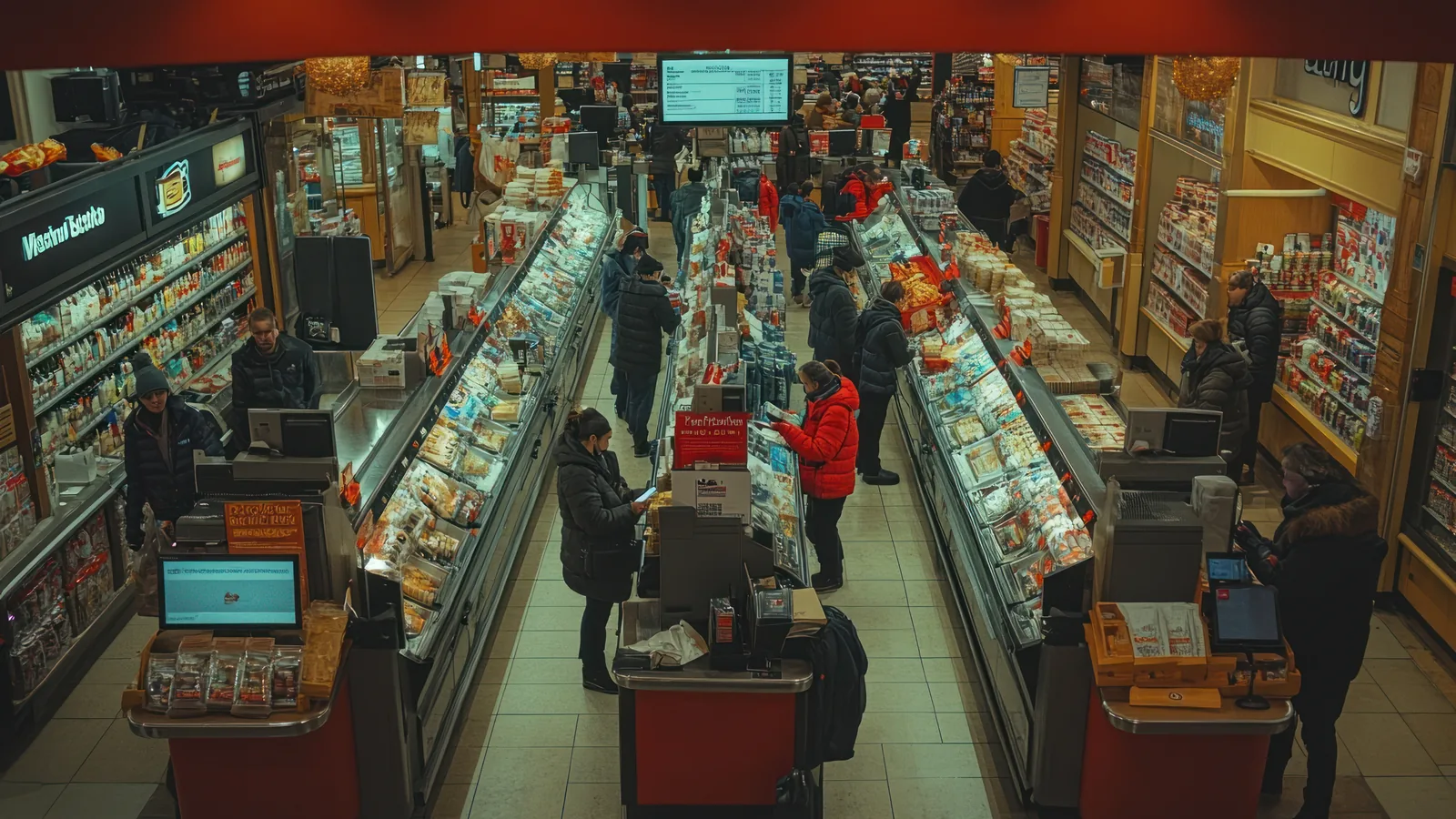
The most common peak-day mistake at the checkout is opening lanes on instinct. Someone glances at the line, decides it looks long, and calls for help, by which point shoppers have already started abandoning. Use a measured trigger instead. Set a queue wait-time threshold, and when the live wait crosses it, open another lane.
Decide in advance who moves. Pre-assign the staff who shift to checkout when the trigger fires, so the response is a named handful of people stepping into known roles rather than a scramble. The queue feature gives you the wait-time signal that drives this, and our piece on measuring queue wait time and abandonment at the checkout covers how to choose a threshold that reflects when customers actually give up.
Protect your cover through the peak by treating breaks as fixed slots. If breaks float, they tend to cluster, and you lose front-end cover exactly when demand is highest. Lock the slots into the rota so the till is always staffed at the top of the curve.
This sits on top of your base schedule, not instead of it. The day-to-day version is building the rota around when customers actually arrive, which we cover in staffing to footfall. Peak planning is that same rota with the limits tightened and the triggers set sharper.
After the event: review and improve
A peak day is only worth as much as what you learn from it. Once the event is over, put your planned cover and chosen limits next to the actual occupancy and queue history for the day, hour by hour.
Look for the gaps. Where was the limit too tight, so you turned people away while there was still comfortable room inside? Where did the warning band fire too late to be useful? Where did the checkout line build past your threshold and stay there, telling you the front-end response was a beat slow? These are concrete, fixable findings.
Save the data. The recorded footfall, occupancy, and queue history for this event becomes the baseline you plan the next one from. The table below is a simple way to capture it.
| What you set | What happened | Action for next time |
|---|---|---|
| Occupancy limit | Peak in-store count vs. limit | Raise, lower, or keep |
| Warning band | How early it gave you notice | Widen or tighten the gap |
| Queue threshold | Longest wait recorded | Adjust trigger, add a lane |
| Front-end cover | When lines outpaced staff | Shift break slots or pre-assigned staff |
Finally, roll the lessons into the standing rota. If the review shows your busiest hour shifted, or a particular lane was always the bottleneck, that belongs in your normal plan, not just your peak plan. To pin down when your busiest windows really are across the year, see finding your store's real peak hours with footfall data.
Setting it up in time for the next peak
The good news for anyone with an event already on the calendar: there is no hardware lead time. CountPort is software that runs on the IP cameras you already have, installed on a back-office PC, a mini-PC, or a Mac Mini. You are not waiting on sensors to ship and be mounted, which is exactly the delay that makes people give up on getting set up before a peak.
Keep the first deployment focused. Start with the entrance, for the live occupancy count and your alerts, and the busiest checkout, for the queue wait-time trigger. Those two cameras cover the two decisions that matter most on a peak day: who comes in and how fast the line is moving. You can add zones and more lanes later.
Pricing is flat per camera, which makes scoping a seasonal pilot straightforward. Lite is $29 per camera per month and Pro is $39 per camera per month, so a small pilot of an entrance and a checkout is easy to cost out and to expand once the event proves its value. The pricing page has the full breakdown, and if your planning spans a whole site, shopping malls is a useful reference for managing flow across multiple stores.
Frequently asked questions
How do I manage store occupancy on a busy sale day?
Set the occupancy limit and a warning band before the day, watch the live count, and start metering entry at the warning level so you act before the store is full. Assign a named owner to the door alert so the response is somebody's clear job, not a shared assumption.
When should I open more checkouts during a peak?
Use measured queue wait time as the trigger. When the wait crosses the threshold you set, open another lane and move your pre-assigned staff to the front, rather than guessing from how the line looks.
Can I get occupancy monitoring set up before a seasonal peak?
Usually yes. CountPort runs as software on your existing cameras with no new hardware to order, so a single entrance and a busy checkout can be set up without hardware lead time.
Does using last year's data help with peak planning?
Yes. Reviewing the recorded footfall, occupancy, and queue history from the same event last year shows where lines built up and whether your limit was set sensibly, so you can plan cover with evidence instead of guesswork.
See it on your own peak day
If you have a sale event or seasonal peak coming up, the fastest way to know whether this fits is to see it running on your cameras and your floor plan. Start a free trial, connect your cameras in a few clicks, and set an occupancy limit, a warning band, and a queue trigger for the day you are planning for.