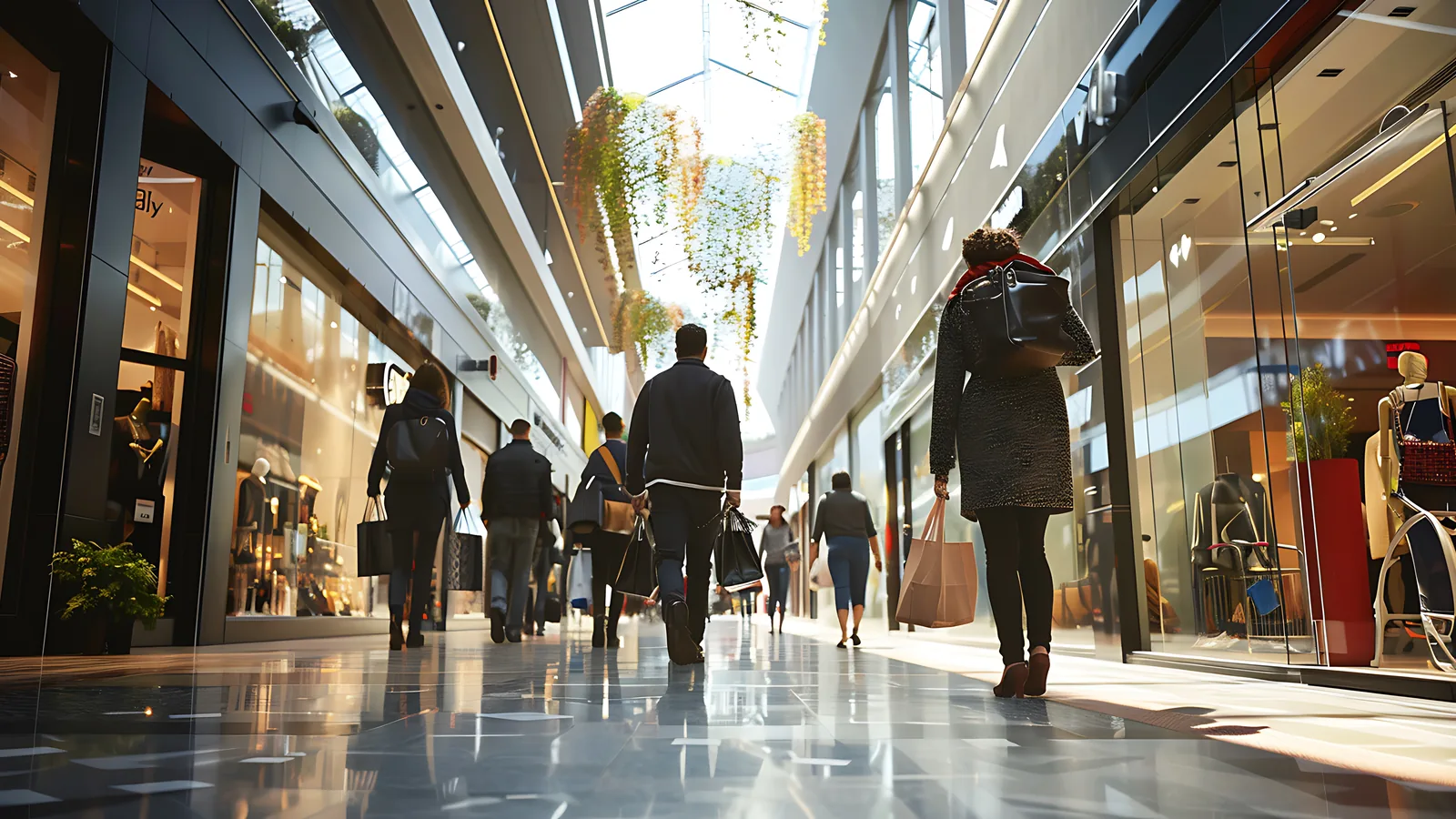
What Is Capture Rate in Retail and How Do You Improve It?
Capture rate in retail is the share of passing traffic that actually walks through your door. It tells you how good your storefront is at pulling people in off the street or the mall walkway. If a lot of people pass by but few come in, your problem is outside the door, not inside it.
Most stores track footfall and conversion. Far fewer track capture rate, even though it sits one step earlier in the chain and explains a lot of what those other numbers do. A weak window or a closed-off entrance can quietly cost you sales before a single shopper reaches the floor.
This guide explains what capture rate means, how to calculate it, what a healthy number looks like for your store, and which changes actually move it. The example numbers are illustrative, but the method works on real traffic data.
Key takeaways
- Capture rate is the share of passing traffic that enters your store. It measures storefront pull.
- The formula is entries divided by passers-by, times 100. For example, 3,000 of 15,000 passers-by is 20 percent.
- Track the trend against your own baseline rather than chasing an external benchmark.
- Window scheme, signage, lighting and an open entrance are the main levers that move it.
- Read capture rate together with conversion so you know whether the problem is outside the door or inside it.
What capture rate means
Capture rate is the percentage of people who pass your storefront and then come inside. It answers a simple question. Of everyone who had the chance to enter, how many did?
The two numbers behind it are easy to mix up, so it helps to be precise. Passing traffic is everyone who walks by your storefront or down the mall walkway in front of you. Entries are the people who actually cross your threshold. Passing traffic is the opportunity. Entries are what you did with it.
That distinction matters because capture rate measures the pull of your location, your window and your entrance. It does not measure what happens once people are inside. A great capture rate with poor sales points to a problem on the selling floor. A poor capture rate points to the storefront itself. Keeping the two separate is what makes the metric useful.
How to calculate capture rate
The capture rate formula is straightforward:
Capture rate = (entries ÷ passers-by) × 100
Here is how to calculate capture rate with an example. Say 15,000 people pass your storefront in a week and 3,000 of them come in. Divide 3,000 by 15,000 to get 0.20, then multiply by 100. Your capture rate is 20 percent. One in five people who walked past chose to enter.
The hard part is not the arithmetic. It is getting two clean counts: passing traffic and entries.
You measure them with two different views. Entries come from a counter at the entrance, the same line your people counting sensor watches for footfall. Passing traffic comes from a camera that sees the storefront or the walkway in front of it, counting people who cross that wider field of view. Subtract or compare, and you have both halves of the equation.
One thing to keep in mind: this is a per-camera, single-storefront measurement. Each entrance and the foot traffic in front of it produces its own capture rate. If a store has two entrances on two different streets, you measure each one on its own rather than blending them into a single figure that hides what each storefront is doing.
What good and bad capture rate looks like
There is no universal "good" capture rate. It varies enormously by format and location. A destination flagship on a quiet side street works on different traffic than a convenience format on a busy corner or a unit inside a mall food court. A 10 percent rate might be strong in one setting and weak in another.
Because of that, the trend over time matters far more than any single number. The right reference point is your own baseline. Measure your capture rate over a few normal weeks, treat that as your starting line, and watch how it moves. Chasing a benchmark from a different store in a different city tells you very little. Beating last month tells you a lot.
Reading capture rate against your baseline also makes it a useful early warning. If your rate is falling while street traffic holds steady, something about your storefront stopped pulling people in. A tired window, a broken sign, a display that no longer faces the walkway. The problem is outside the door, not on the floor, and that tells you where to look first.
What moves capture rate
A handful of levers do most of the work. They all share one quality: they change what a passer-by sees and feels before they decide to step in.
- Window scheme. Your window is the single biggest lever. Bringing your highest-pull category into the sightline from the street, rather than burying it inside, gives people a concrete reason to enter. A window built around what people actually want to see beats a generic one almost every time.
- Signage, lighting and an open entrance. Clear signage tells people what you sell. Good lighting makes the store feel active and welcoming, especially after dark. An open, uncluttered entrance lowers the friction of walking in. A doorway that feels closed or crowded quietly turns people away.
- Visible promotions and events. A promotion only lifts capture rate if people can see it from outside. A sale sign in the window or an event spilling toward the door pulls passers-by in. The same offer hidden inside does nothing for the people still on the street.
- Seasonality and street footfall. Some of what moves your capture rate is outside your control. Weather, holidays and how busy the street itself is all shift the mix of who is passing and how likely they are to stop. This is why you read the trend in context rather than reacting to a single down day.
How to improve capture rate with footfall data
Improving capture rate works best as a series of small, measured experiments rather than one big redesign.
Start with a before-and-after comparison around a single change. Record your capture rate for a couple of normal weeks. Then change the window or open up the entrance, and measure the same number of days afterward. The difference, read against your baseline, tells you whether the change worked. This is exactly the method behind a structured window display footfall test, and it applies to any storefront change.
Watch capture rate alongside conversion at the same time. This is how you know you fixed the right problem. If capture rate goes up but conversion holds, your storefront change is bringing in good traffic. If capture rate rises while conversion drops, you may be pulling in browsers who were never going to buy. The two numbers read together tell a story neither tells alone.
Test one change at a time, and give it enough days to read past daily noise. Weather, weekday-versus-weekend patterns and random variation all move a single day's number. A few days is rarely enough; a couple of weeks usually is. Changing two things at once leaves you unable to say which one mattered.
CountPort measures both halves of this from the IP cameras you already have. A camera on the storefront or walkway counts passing traffic, and the entrance counter counts entries, so you get capture rate without buying anything new at the door. Detection is body-only, with no facial recognition, and video stays on-site on a back-office PC or mini-PC.
Capture rate, conversion and the full picture
Capture rate is one link in a chain. Passing traffic becomes entries through your capture rate. Entries become footfall on the floor. Footfall converts into transactions. Transactions become sales. Each step depends on the one before it, and a weak link anywhere caps everything downstream.
That chain is why a store can post great conversion and still leave money on the table. Strong conversion with weak capture means your floor is excellent but your storefront is not getting enough people inside to work with. The reverse happens too. A store can pull in plenty of passers-by yet convert poorly, which points to the selling floor, not the window. You only see which case you are in when you measure capture rate and conversion side by side.
To go deeper on the next links, see our guide to retail conversion rate using footfall data and the explainer on dwell time in stores, which covers how long people stay once they are in. For the wider view of how these metrics fit together, footfall analytics explained maps the whole picture, and the retail metrics glossary defines the terms in one place.
Frequently asked questions
What is a good capture rate for a retail store?
There is no single good number. It depends on your format, your location and how busy the surrounding area is. The most useful approach is to track your own capture rate over time and compare it against your baseline.
How do you calculate capture rate?
Divide the number of people who enter by the number of people who pass by, then multiply by 100. For example, if 3,000 of 15,000 passers-by enter, your capture rate is 20 percent.
What is the difference between capture rate and conversion rate?
Capture rate measures how many passers-by you pull inside. Conversion rate measures how many of the people inside go on to buy. One is about the storefront, the other about the selling floor.
How can I improve my store's capture rate?
Focus on what people see from outside: the window scheme, signage, lighting and an open entrance. Move your highest-pull products into the sightline from the street, then measure the change with footfall data before and after.
See it in your stores
Capture rate is especially revealing for stores inside high-traffic centers, where the walkway in front of you is doing a lot of the work. See how footfall analytics applies to shopping malls and what storefront pull looks like when the passing traffic is already there.