Camera Placement for People Counting: Mounting, Angle and Coverage
Camera placement for people counting is the single biggest factor in whether your visitor numbers are worth trusting. Get the view right and an ordinary camera produces clean counts. Get it wrong and even the most expensive camera feeds your reports bad data.
This guide covers the decisions that matter: how high to mount the camera, what angle to aim it, how wide an area each view covers, how to set up queues and zones, and how to catch a bad view before rollout. Most of it applies whether you mount a new camera or reuse one you already have. CountPort runs as software on your existing IP cameras, so the rules below are about the view itself, not the hardware.
Key takeaways
- Mount entrance cameras overhead, lens pointing straight down, directly over the line people cross.
- The width a camera can cover roughly tracks its mounting height, so plan coverage from where it sits.
- Aim for stable, even lighting. Avoid pointing straight at a bright doorway or strong sun.
- Body-only detection means overhead views work well and keep counting privacy-friendly, since no faces are needed.
- Before you trust a view, watch a busy five minutes and tally by hand to check the count.
Why placement matters more than camera brand
A good view from an ordinary 1080p camera will out-count a poor view from a premium one every time. The software reads what the camera sees. If the view is cramped, glary, or angled at the wrong thing, no processing fixes it.
A reliable counting view needs three things. First, clear separation between people, so two shoppers side by side do not merge into one shape. Second, full bodies in frame, not just heads and shoulders, so each person can be tracked across the line. Third, stable lighting, so the scene does not flip between bright and dark.
People counting uses body-only detection. It reads the shape and movement of a body, not a face. That is why an overhead view pointing straight down is close to ideal: you get the cleanest separation between people, and because no faces are captured, the setup stays privacy-friendly. For the mechanics, How Does a Camera People Counter Work? walks through the pipeline, and staff exclusion keeps employees out of visitor totals.
A bad view is expensive in a quiet way. Inflated counts make a slow day look busy. Missed counts hide a real rush. Every report downstream inherits the error: conversion, peak hours, staffing. Get the view right first.
Mounting height and angle for entrances
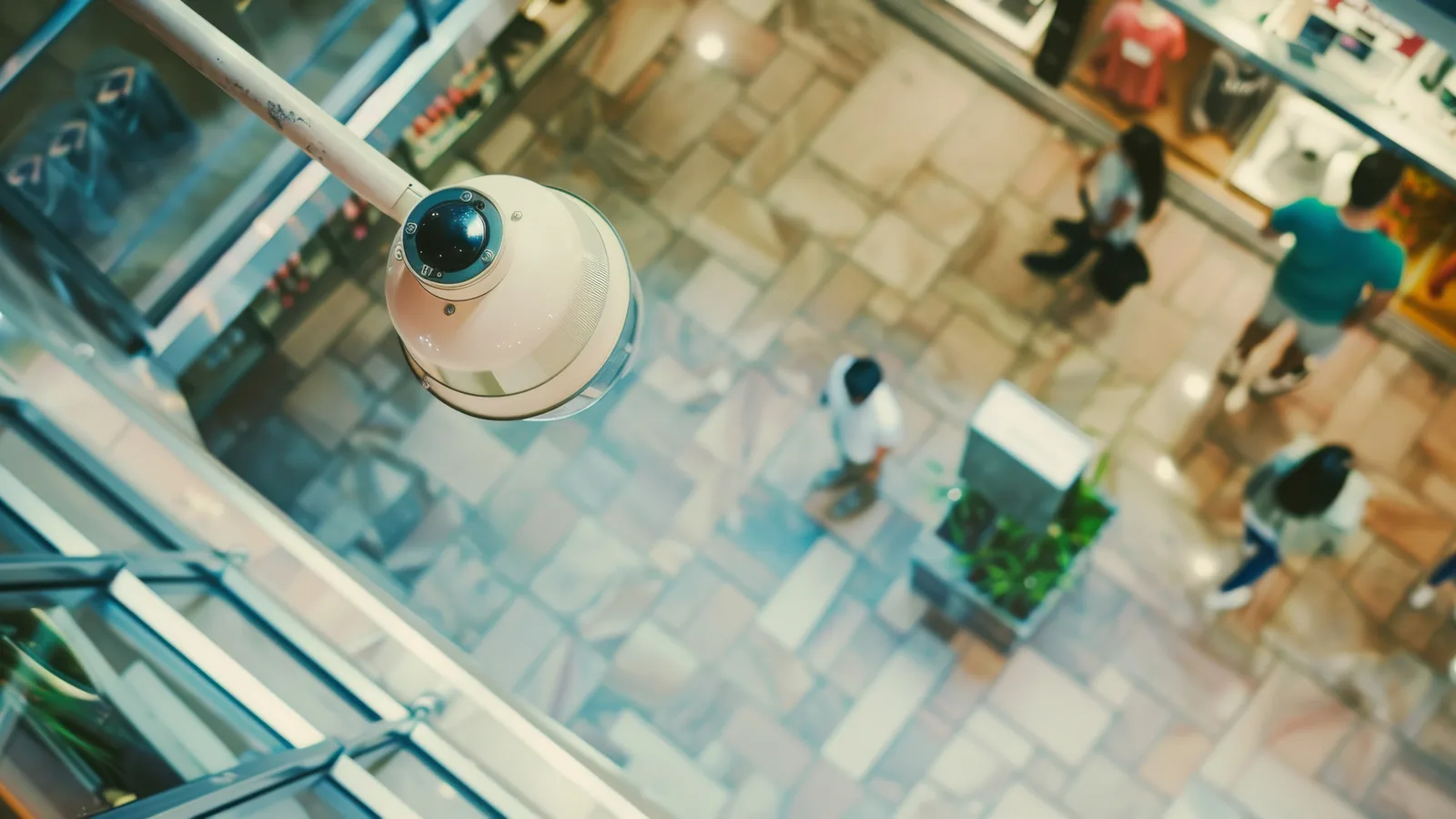
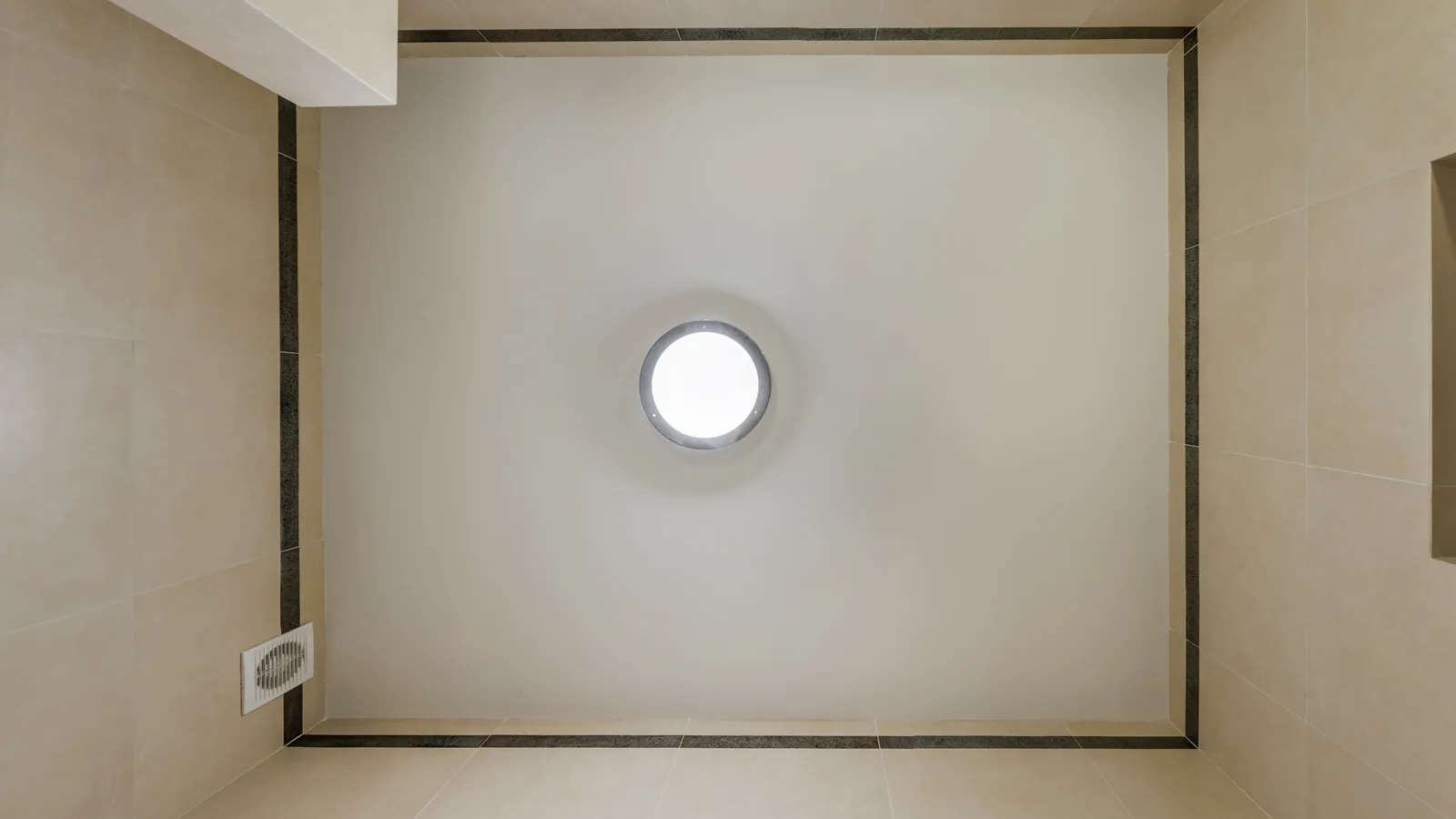
For an entrance count, overhead with the lens pointing straight down is the most reliable setup. People stay visually separate even when they walk close together, and no foreground person blocks the one behind them. Aim for this whenever the ceiling allows it.
Mounting height drives how wide an area you can cover. As a rough rule of thumb, the width a single camera covers tracks its height: higher gives a wider band of floor, lower narrows it. The ranges below are illustrative, not strict limits.
| Mounting height | Roughly covered width | Typical use |
|---|---|---|
| About 2.5 to 3 m | A narrow single doorway | Standard shop entrance, one door |
| About 3 to 4 m | A wider opening or double door | Mall storefront, double-door entrance |
| About 4 m and up | A broad span of floor | Wide concourse, large entry zone |
Plan from where the camera sits. If your entrance is wider than one camera can cover cleanly, it is usually better to add a second camera, each counting its own doorway, than to mount one so high or tilted that people overlap.
If a true straight-down mount is not possible, keep the tilt moderate. A gentle angle still keeps full bodies visible and people separable. A steep, low-angle view across the entrance is the problem case: people stack up behind each other and the camera ends up at faces instead of bodies.
One detail people miss: position the camera over the line shoppers actually cross, not a few metres inside or outside it. The count line should sit under the camera where the view is cleanest.
Lighting and the environment
Stable, even lighting keeps a count steady through the day. The worst single mistake is pointing a camera straight at a bright glass doorway. The bright background turns approaching people into dark silhouettes, and the auto-exposure hunts as the light shifts.
Glare, harsh shadows, and direct sunlight each create false counts. A pool of sunlight moving across the floor can read as motion. A hard shadow can look like a second shape. The fix is usually to re-aim the camera so the bright source is behind it or to the side.
Watch what is near the count line, too. Reflective floors, glass panels, and mirrors can show a mirror-image of a real person, and that reflection can get counted as someone walking through. Keep the count line away from reflective surfaces, or angle the view so reflections fall outside it.
Constant background motion is the other quiet troublemaker. Escalators, digital screens, ceiling fans, and swaying signs all add motion that has nothing to do with footfall. Frame the view so these sit well clear of the count line.
Covering queues, zones, and dwell areas
Entrances are only part of the picture. Queues, zones, and dwell areas each need their own view, and the rules shift a little for each.
For a queue, the camera has to see the whole waiting line, not just the front. If the view stops at the register, you only know someone reached the counter, not how long the line behind them was. Mount it so the full length of the typical queue is in frame, including where it spills back on a busy day. That makes queue and wait-time measurement reflect the real wait.
Zone and heatmap views call for a wider angle that still keeps people separable. A higher mount over an aisle or department covers a useful area, but push the height too far and people start to merge. Aim for a view broad enough to be useful and sharp enough that individuals stay distinct. For how this turns into shopper-path insight, see Zone and Route Analytics.
Dwell areas around displays are sensitive to angle. To know whether someone paused, the camera needs to see people in that spot clearly, not from a flat angle where one person hides the one behind. A steeper, more overhead view works best.
Finally, name each view for what it watches: "Front entrance," "Checkout queue 1," "Womenswear zone." When the data maps to how the store works, your reports read like the store.
Reusing cameras you already have
You usually do not need to replace your camera fleet to start counting. Start with an audit: walk the existing cameras and check which already have a usable counting view. Look for an overhead or steeply angled view of an entrance, full bodies in frame, separable people, and stable lighting. Those can often be used as-is.
For the ones that fall short, the fix is usually cheap. Re-aiming a camera, re-mounting it higher or more directly over the line, or adding one camera at a problem entrance is almost always less work than swapping out the whole estate. Treat replacement as the last resort.
A security camera can double as a counting camera when its view happens to suit counting: overhead or steep angle, clear separation, decent light. It cannot when it is mounted low and aimed across a room for faces, framed for a wide overview that loses detail, or sitting in heavy glare. The two jobs then want different views.
CountPort connects to your cameras over standard protocols, so most existing setups are reachable. For the practical steps, see How to Deploy People-Counting Software on Your Existing Cameras, and RTSP and ONVIF Explained covers how the feeds connect. If you run Hikvision or Dahua hardware, people counting on Hikvision and Dahua cameras is the place to start.
How to spot a bad view before rollout
A few minutes of checking before launch saves a lot of confusion later. Run this checklist on every view:
- Are heads or full bodies getting cropped at the frame edges where the count line sits?
- Do people overlap and merge into one shape at the busiest crossing point?
- Is there glare, backlight, or moving sunlight on or near the count line?
- Is there constant background motion in frame, like an escalator, fan, or screen?
If a view passes those, do the simplest validation there is: watch a busy five minutes, tally entries by hand, then compare your number to the software count. If they are close, the view is sound. If they are far apart, fix the view first, not the software. For more on reading the numbers fairly, see how accurate people counters really are.
The common entrance mistakes are predictable: a camera too low, too far back, or angled at faces instead of straight down at bodies. Each distorts counts in a way no setting can fully correct.
When a view fails the checklist and settings cannot fix it, call your integrator to move the mount. A short visit to re-aim or raise a camera is far cheaper than living with numbers you do not trust. Read more on the counting feature page and on the technology page.
Frequently asked questions
What is the best camera angle for people counting?
An overhead view with the lens pointing straight down is the most reliable for entrance counting, because it keeps people separated and shows full bodies. If a straight-down mount is not possible, keep the tilt moderate.
How high should a people-counting camera be mounted?
Mount it high enough to see full bodies and separate people at the entrance, typically a few metres above the floor. As a rough rule of thumb, the area a camera covers is about as wide as its mounting height.
Can I use my existing security camera for counting?
Often yes, if it has a good overhead or steep-angle view of the entrance and stable lighting. Many sites re-aim or re-mount an existing camera rather than buying a new one.
Why are my counts too high or too low?
It is usually the view, not the software. A camera that is too low, too far back, or angled at faces, plus glare or overlapping people at a choke point, all distort counts. Validate with a five-minute manual tally before blaming the numbers.
See your cameras in action
The fastest way to know whether your current views will count well is to see them assessed against your real entrances and queues. Request a demo and we will look at your setup and show you where a clean count is in reach.