People counting and occupancy analytics for gyms and fitness clubs
CountPort turns the overhead cameras already inside a gym into anonymous footfall and occupancy measurements, so operators can see live capacity, busy periods and how each training area is used.
Works with the cameras you already have · Anonymous · Video stays on-site
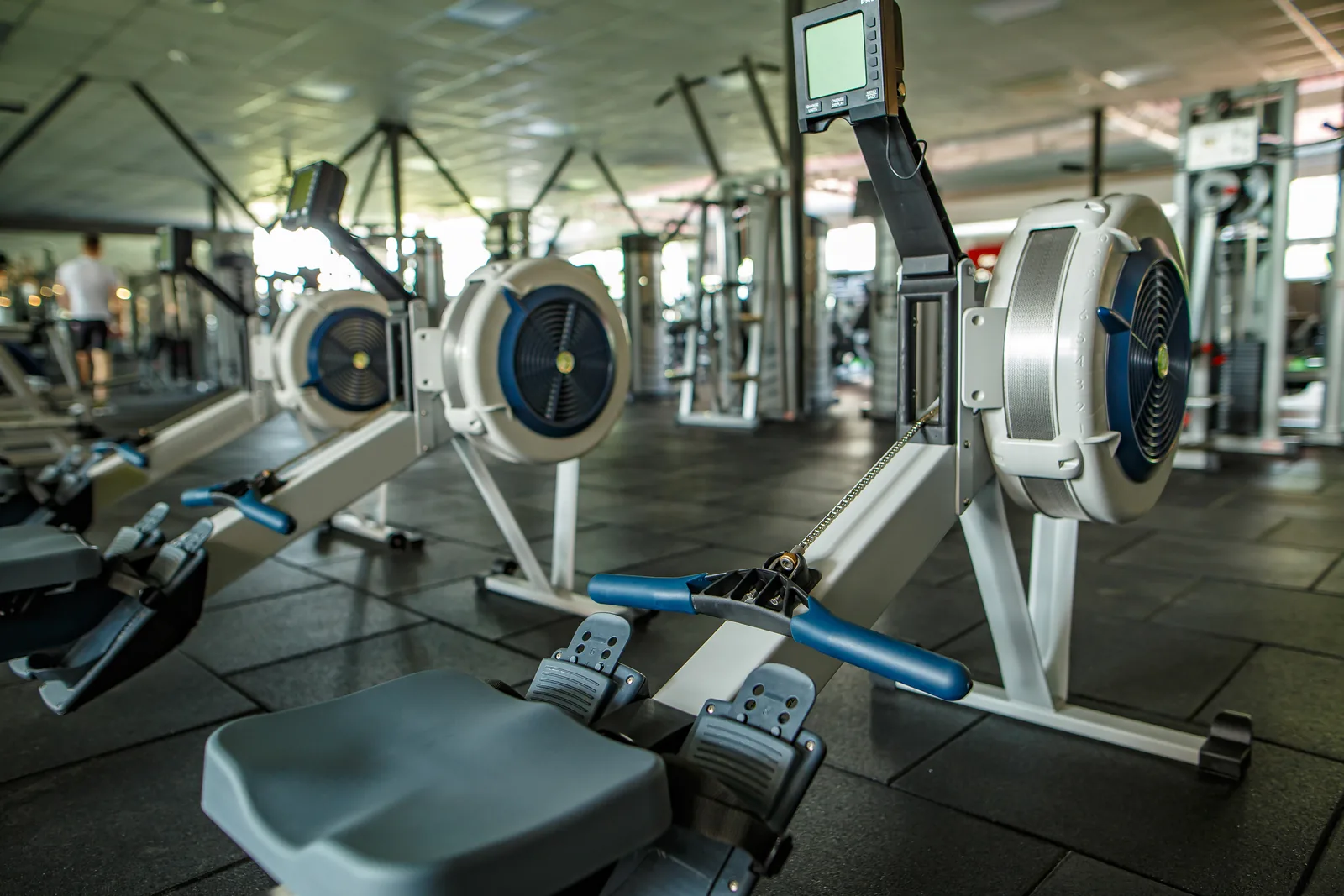
Understanding how a fitness facility is actually used
A gym is rarely busy in one even pattern. Cardio fills at lunchtime, the free-weights area peaks in the evening, and studios swing between full classes and quiet off-peak slots. People counting for gyms gives operators a measured view of this movement instead of an estimate, drawn from the overhead cameras a club already has at its entrance and across the floor.
CountPort reports footfall, live occupancy and zone usage as anonymous numbers on a dashboard. No video leaves the building and no member is identified. The result is a record of how many people are inside, when demand rises, and which training areas carry the most traffic across an ordinary week.
Because gym occupancy monitoring runs on existing hardware, a club can measure its busiest equipment, the demand for specific class times and the flow between zones without changing the member experience or adding turnstiles, wearables or sign-in steps.
What gyms & fitness operators want to know.
How full is the gym right now?
Members want to avoid crowded sessions and managers want to honour capacity limits. Counting entries and exits at the door gives a live occupancy figure that staff and members can act on, rather than a guess from the reception desk.
Which training areas are under pressure?
Free weights, cardio and functional zones rarely fill at the same rate. Without measurement it is hard to know whether to add a squat rack or more treadmills. Zone usage data shows where congestion is real and where space sits idle.
When are the genuine peak hours?
Staffing, cleaning and class schedules all depend on knowing the true busy windows by day and hour. A measured footfall curve replaces assumptions about morning, lunchtime and evening demand across the week.
Is class and studio demand being met?
Studios can be full at one time and empty at another. Counting attendance into class spaces helps operators judge whether timetables match real demand and whether popular sessions need more slots or larger rooms.
CountPort analytics, applied to gyms & fitness.
Each measure runs on the overhead cameras you already have. Video is processed on-site and stays anonymous.
Count members in and out accurately
CountPort counts people entering and leaving from overhead cameras at the entrance, with adult and child classification and correct group counting. That gives a reliable footfall total for the day, the week and each opening hour.
Counting ›Show live capacity at the door
Occupancy analytics report how many people are inside at one time against a set capacity limit, with alerts when the gym approaches it. This supports safe limits and helps members plan quieter visits.
Occupancy ›See where the floor gets crowded
Heatmaps show where members gather, slow down and queue for equipment. Operators can see whether the free-weights corner or the cardio bank draws the most congestion and adjust the layout accordingly.
Heatmaps ›Measure each training zone and route
Zones and routes report the usage of specific areas, such as cardio, resistance machines, functional space and studios, and the paths members take between them. This informs equipment investment and floor planning.
Zones & routes ›Track queues at reception and induction
Queue analytics measure line length, wait time and abandonment at the reception desk or check-in point, so clubs can staff the front desk for the moments that matter to members.
Queue ›Keep trainers out of the count
Staff exclusion keeps personal trainers, instructors and reception staff out of the visitor numbers, so footfall and occupancy figures reflect members and guests rather than the team on shift.
Staff exclusion ›How CountPort works inside a fitness club
CountPort connects to the overhead cameras a gym already runs at its entrance and over the training floor. A small computer installed on-site reads those feeds and converts them into counts: people entering, people leaving, how many are present, and how each zone is used. The video itself stays on that machine and inside the building.
From there, the numbers appear on a live dashboard. A duty manager can watch occupancy against capacity, a regional team can compare peak hours across sites, and operations can review zone usage over weeks. Scheduled exports and a data connection let those figures feed into rostering, membership reporting or facilities planning.
Setup does not interrupt members. There are no turnstiles to add, no app for members to install and no badge to scan. The measurement happens quietly on cameras that are already in place, which is why fitness club footfall analytics can be introduced without changing the floor or the entrance.
Anonymous measurement on existing cameras
CountPort does not use facial recognition and does not identify individuals. It measures people as anonymous figures: a count, a group, a presence in a zone. For a gym, where members value privacy in a setting that already feels personal, this matters. The system reports behaviour and numbers, never who someone is.
Processing happens on-site, so footage never leaves the premises and is not uploaded to a remote service. Only the resulting measurements reach the dashboard. This keeps the data a club holds limited to anonymous counts, which reduces privacy risk and simplifies any data-protection review a facility carries out.
Staff exclusion is the one person-level filter CountPort applies, removing trainers and reception staff from the figures. CountPort does not attempt to recognise the same member across different cameras, and it does not claim to count a unique person once across the whole site. It counts movement at each camera, honestly and anonymously.
Getting started and what it costs
A practical first step is to measure the entrance and a few high-traffic zones, such as the cardio bank, the free-weights area and the busiest studio. That alone produces a footfall curve, a live occupancy figure and a usage breakdown that most clubs have never seen with this precision.
Pricing is published and flat per camera. CountPort Lite is 29 US dollars per camera each month and CountPort Pro is 39 US dollars per camera each month, so a facility can estimate the cost from the number of cameras it wants to measure. There is no separate hardware purchase because the software runs on existing cameras and a small on-site computer.
To see gym occupancy monitoring on a real floor plan, request a demo, or view pricing to size a deployment for a single studio, a health club or a multi-site fitness group.
The numbers worth watching.
Live occupancy
How many people are inside at one time against a capacity limit, with alerts as the gym fills.
Daily and hourly footfall
Total members and guests entering by day and hour, the basis for peak-hour planning.
Zone usage share
The proportion of activity in cardio, free weights, functional space and studios across the week.
Class space attendance
How many people enter studio spaces by session, showing where timetable demand is met or missed.
Reception queue wait
Line length and wait time at the front desk, so check-in staffing matches arrival peaks.
Peak versus off-peak ratio
The gap between busiest and quietest periods, useful for staffing, cleaning and pricing decisions.
CountPort measures people anonymously. It counts and groups visitors, never identities, and does not use facial recognition. All video is processed on-site, inside your premises, and is never uploaded; only the measurements you choose to keep are shared. This approach reduces privacy risk and simplifies data-protection review. Read privacy details ›
Explore other industries
All industries ›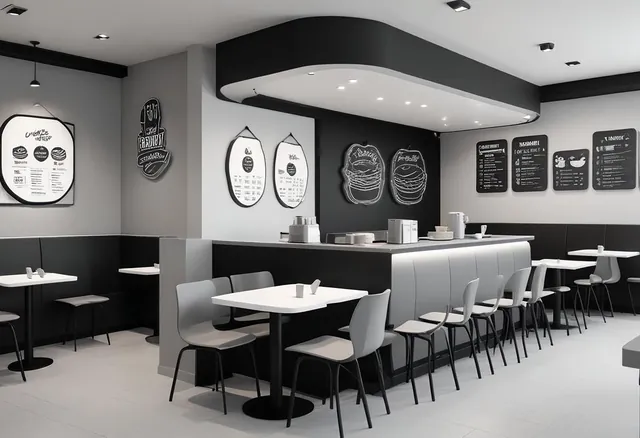
Restaurants & QSR
CountPort turns the overhead cameras a restaurant or quick-service venue already runs into counts of guests, queue measurements at the counter, and live readings of how full the seating area is.
View ›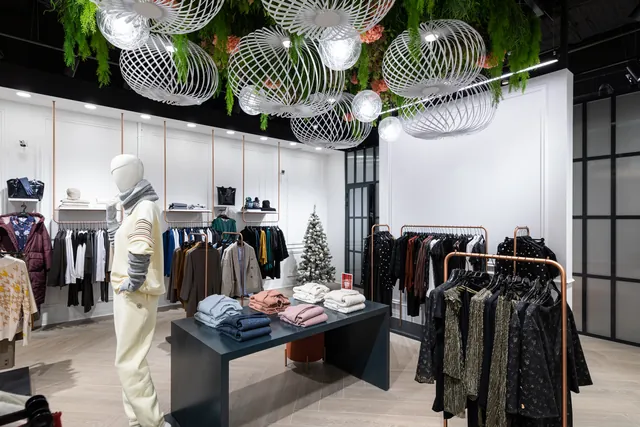
Fashion & Apparel
CountPort measures footfall, conversion and floor behaviour in clothing stores and boutiques using the overhead cameras already installed, with all video processed on-site and no facial recognition.
View ›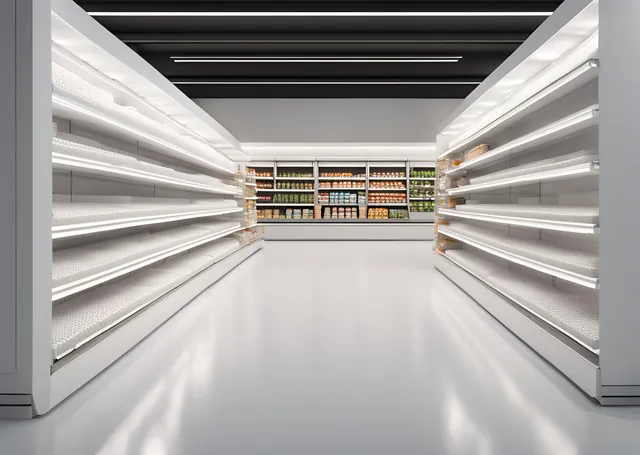
Grocery & Supermarkets
CountPort turns the overhead cameras a grocery store already runs into footfall, queue and aisle analytics. Video is processed on-site, and only anonymous numbers reach the dashboard.
View ›Questions about CountPort for gyms & fitness.
Does CountPort identify gym members?
No. CountPort does not use facial recognition and does not identify individuals. It counts and groups people anonymously as numbers. Members are measured as footfall, occupancy and zone usage, never as identities, and no personal profile of a member is created.
Do we need new cameras or turnstiles?
No. CountPort runs on the overhead cameras a gym already has at the entrance and across the floor. There is no turnstile to add and no app for members. A small on-site computer reads the existing feeds and reports anonymous counts to a dashboard.
How does CountPort measure live gym occupancy?
It counts people entering and leaving at the door from overhead cameras and reports how many are present at one time. A capacity limit can be set, with alerts as the gym approaches it, so staff and members have a current figure to act on.
Can it show which training areas are busiest?
Yes. Using zones, routes and heatmaps, CountPort reports usage of areas such as cardio, free weights, functional space and studios, plus the paths members take between them. This helps operators judge equipment investment and floor layout from measured demand.
Are personal trainers counted as members?
No, when staff exclusion is configured. CountPort keeps trainers, instructors and reception staff out of the visitor numbers, so footfall and occupancy reflect members and guests rather than the team working that shift.
What does it cost for a gym?
Pricing is flat per camera and published. CountPort Lite is 29 US dollars per camera each month and Pro is 39 US dollars per camera each month. A facility can estimate cost from the number of cameras it wants to measure, with no separate hardware purchase.
See your gym measured on the cameras you already own
Request a demo to view live occupancy, peak hours and zone usage for your club, or view pricing to size a per-camera deployment.