People Counting and Visitor Analytics for Furniture and DIY Stores
CountPort turns the overhead cameras already installed in a furniture showroom or home-improvement warehouse into footfall and behaviour analytics. All video is processed on-site and only the resulting numbers reach the dashboard.
Works with the cameras you already have · Anonymous · Video stays on-site
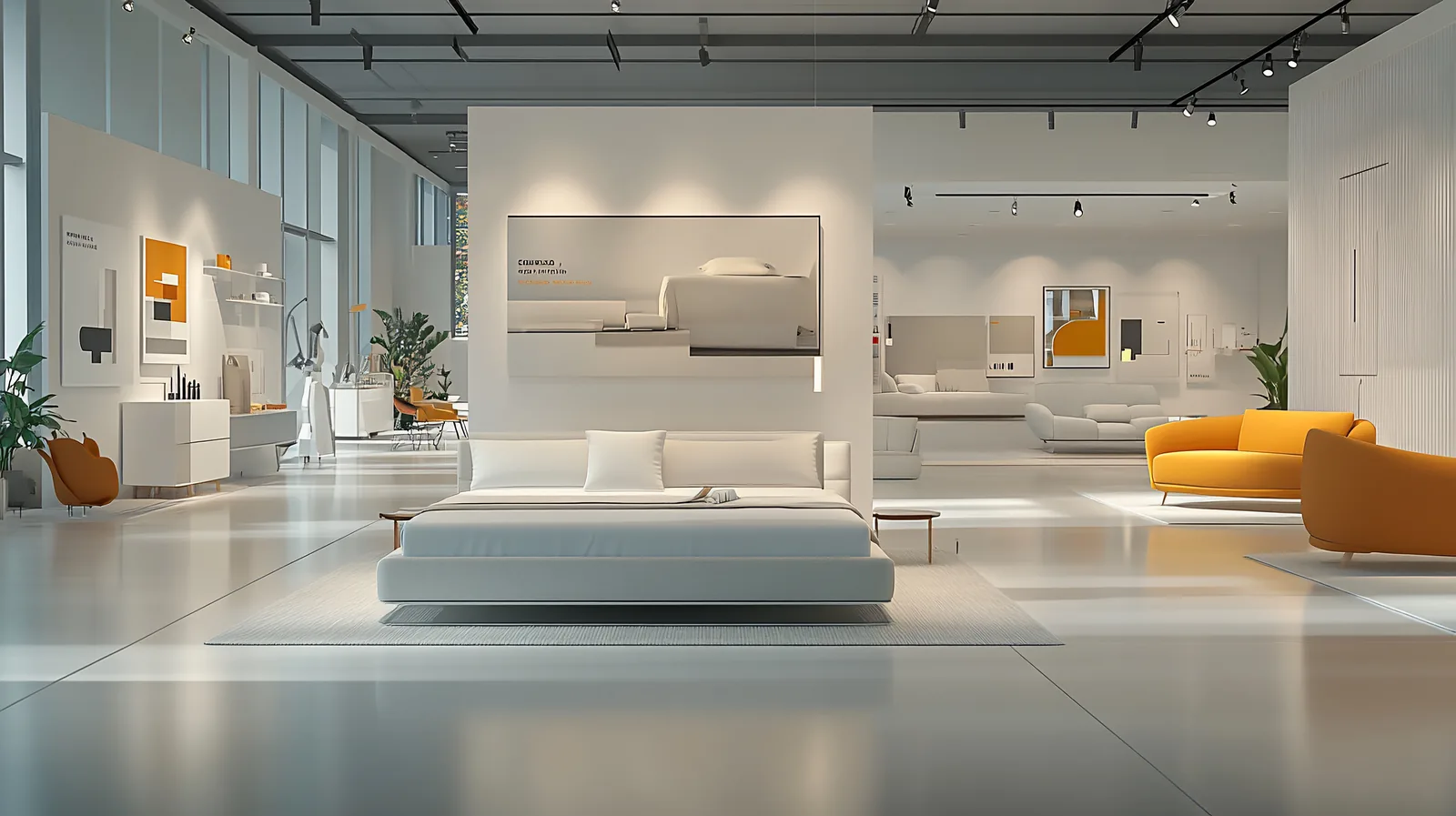
Footfall analytics built for large-format home and DIY retail
Furniture, home and DIY stores occupy some of the largest floor plates in retail. Customers walk long distances, dwell for extended periods, and move through distinct zones such as sofas, kitchens, lighting, garden and trade counters. People counting for furniture and DIY stores measures how many visitors enter, where they spend their time, and how that time relates to a purchase, using cameras the store already owns.
paragraphs are honest and anonymous by design. CountPort counts people from overhead cameras and reports footfall analytics for furniture stores without facial recognition. Video is processed on a small on-site computer and never leaves the building. The dashboard shows counts, occupancy, dwell time and zone performance, so a large-format store can read demand by the hour and by the area rather than guessing from till receipts alone.
What home, furniture & diy operators want to know.
Big floor plates hide where demand sits
A single entrance count says little about a 5,000 square-metre showroom. Without zone-level measurement, it is hard to tell whether the kitchens display, the garden range or the trade counter is drawing the traffic that justifies its space.
Long dwell makes conversion hard to read
Furniture and home-improvement visits run long, and a customer may research today and buy weeks later. Counting entries and comparing them to same-day sales understates how showroom time and considered purchases actually connect.
Weekend peaks strain the same staff plan
Saturday and Sunday footfall in home and DIY retail can dwarf weekday trade. Rostering against a flat weekly average leaves checkouts and the trade counter under-covered exactly when queues and abandonment rise.
Families and couples distort raw counts
Home purchases are decided in groups. A door sensor that registers two or four people as one visit, or that mixes staff into the totals, gives a footfall figure that cannot be trusted for planning or conversion.
CountPort analytics, applied to home, furniture & diy.
Each measure runs on the overhead cameras you already have. Video is processed on-site and stays anonymous.
Measure true footfall, not door clicks
CountPort counts people from overhead cameras with adult and child classification and group counting, so a family arriving together is recorded as the correct number of people. Couples and families are counted accurately rather than as a single visit.
Counting ›See which showroom zones earn their space
Divide a large floor plate into zones such as sofas, kitchens, lighting and garden, then compare visitor numbers and dwell time across each one. Zone performance shows whether a display deserves its footprint or a relocation.
Zones & routes ›Map the routes across a long floor
Heatmaps reveal where customers slow down, gather and stall on the way through the store. They expose cold corners and congested aisles in big home and DIY layouts that an entrance count alone cannot surface.
Heatmaps ›Staff weekend peaks against real demand
Occupancy analytics report how many people are inside at one time, with capacity limits and alerts. Reading Saturday and Sunday peaks by the hour helps align cover at checkouts and the trade counter with actual demand.
Occupancy ›Cut waits at checkout and the trade counter
Queue analytics measure queue length, wait time and abandonment at service points. In home-improvement stores with click-and-collect and trade desks, this shows when a second till should open before customers leave.
Queue ›Keep employees out of the numbers
Staff exclusion keeps sales colleagues, warehouse pickers and delivery crews out of the visitor counts. On large floors with many employees moving constantly, this is the difference between a usable footfall figure and a misleading one.
Staff exclusion ›How CountPort works inside a furniture or DIY store
CountPort connects to the overhead cameras a large-format store already has at entrances, over key zones and above checkouts. No new hardware is required. A small computer inside the premises reads those feeds and turns them into counts of people entering and leaving, occupancy at any moment, dwell time by area, and the paths customers take across the floor.
Because the analysis happens on-site, the video itself never travels to an external server. Only anonymous numbers, such as visits per hour, occupancy and zone dwell, reach the dashboard. Results are available live and through scheduled exports or a data connection, so footfall analytics for furniture stores can sit alongside sales and roster data in the systems a retailer already uses.
Anonymous by design, on the cameras you already own
CountPort does not use facial recognition and does not identify individuals. It reports how many people are present and how they move, never who they are. For a furniture or home-improvement store, that means showroom visitor analytics can be gathered without storing or transmitting recognisable footage of customers or staff.
The visitor profiles feature describes the anonymous mix of visitors and how visit patterns change over time, for example weekday browsing against weekend buying trips. These are aggregate patterns, never identity. Combined with on-site processing, this gives a large-format retailer behaviour insight while video stays inside the building.
Getting started and what it costs
Pricing is published and flat per camera. The Lite plan is 29 dollars per camera per month and the Pro plan is 39 dollars per camera per month, so a store can size a deployment around the cameras covering its entrances, showroom zones and checkouts. There are no per-visitor or per-store surcharges to estimate.
A typical start places counting at the doors, adds occupancy for capacity reporting, then introduces zones, heatmaps and queue measurement across the floor as priorities emerge. To see the analytics applied to a specific showroom or DIY warehouse layout, request a demo, or view pricing to plan a per-camera rollout.
The numbers worth watching.
Footfall by hour
Visitors entering across the day and week, the base for reading weekend peaks against weekday trade.
Conversion rate
Counted visitors set against transactions, giving a truer read than sales figures alone on long furniture visits.
Dwell time by zone
How long customers spend in sofas, kitchens, garden or trade, separating browsing areas from deciding areas.
Peak occupancy
The most people inside at once, used for capacity limits, alerts and weekend staffing decisions.
Queue wait time
Time customers wait at checkouts and the trade counter before a second till is needed.
Zone traffic share
The proportion of visitors reaching each area, showing whether a large display earns its floor space.
CountPort measures people anonymously. It counts and groups visitors, never identities, and does not use facial recognition. All video is processed on-site, inside your premises, and is never uploaded; only the measurements you choose to keep are shared. This approach reduces privacy risk and simplifies data-protection review. Read privacy details ›
Explore other industries
All industries ›
Fashion & Apparel
CountPort measures footfall, conversion and floor behaviour in clothing stores and boutiques using the overhead cameras already installed, with all video processed on-site and no facial recognition.
View ›
Grocery & Supermarkets
CountPort turns the overhead cameras a grocery store already runs into footfall, queue and aisle analytics. Video is processed on-site, and only anonymous numbers reach the dashboard.
View ›
Electronics & Big-Box
CountPort turns the overhead cameras already installed in an electronics or big-box store into anonymous footfall and behaviour analytics, measuring how departments fill, where demo stations draw attention and how many big-ticket visits reach a counter.
View ›Questions about CountPort for home, furniture & diy.
Does CountPort need new cameras for a large showroom?
No. CountPort runs on the standard overhead cameras a furniture or DIY store already has at entrances, over zones and above checkouts. A small on-site computer reads those feeds, so no additional camera hardware is required to begin measuring footfall and behaviour.
How does CountPort count families and couples?
CountPort counts people from overhead cameras with group counting and adult and child classification. A family or couple arriving together is recorded as the correct number of people rather than as a single entry, which keeps footfall and conversion figures accurate.
Can it tell which showroom zones perform best?
Yes. The zones and routes feature divides a large floor plate into areas such as sofas, kitchens and garden, then compares visitor numbers and dwell time across each. This shows whether a display draws the traffic that justifies the space it occupies.
Is the system anonymous?
Yes. CountPort does not use facial recognition and does not identify individuals. All video is processed on a computer inside the store and never leaves the building. Only anonymous numbers, such as counts, occupancy and dwell time, reach the dashboard.
How does it help with weekend peaks?
Occupancy and counting report how many people are inside and entering by the hour across the week. Reading Saturday and Sunday peaks against weekday trade helps align staff cover at checkouts and the trade counter with actual demand rather than a flat average.
What does it cost for a furniture or DIY store?
Pricing is published and flat per camera. The Lite plan is 29 dollars per camera per month and the Pro plan is 39 dollars per camera per month. A store sizes its deployment around the cameras covering doors, showroom zones and checkouts.
See CountPort on your showroom floor
Request a demo to view footfall, zones and dwell analytics on a furniture or DIY store layout, or view pricing to plan a per-camera rollout.